

The new version of eMO! has Touch ID(1) login and Apple Watch support. Now it is easier to connect to your account and watch list. Update eMO! to enjoy a better trading experience.

Use your fingerprint instead of your Login ID and Password to securely access eMO! and start trading on your iPhone/iPad.
3 Steps to Enable Touch ID Login
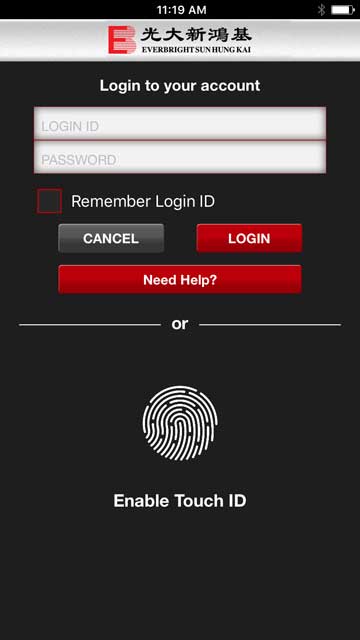
After you have downloaded or updated the app, go to login page. Tap on “Enable Touch ID”. Login to your account.
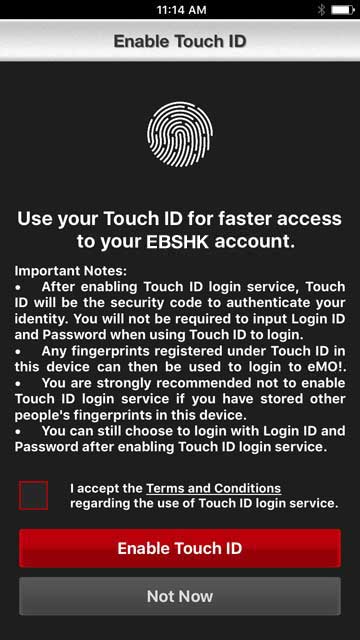
Read and accept the Terms and Conditions regarding the use of Touch ID login service.
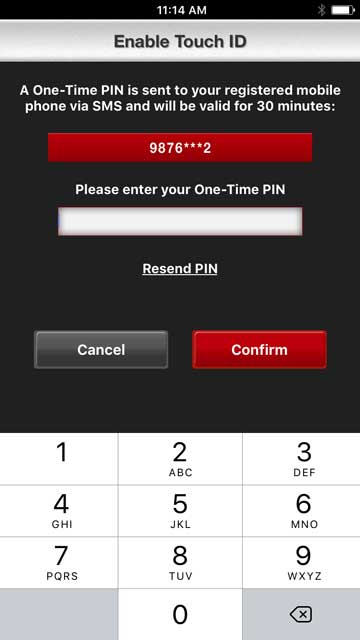
Enter the One-Time PIN (OTP) which is sent to your registered mobile phone via SMS.
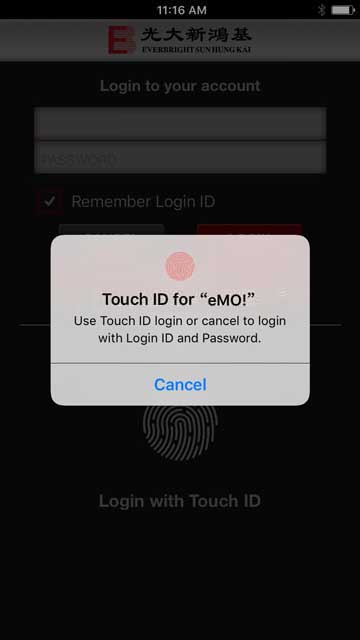
Login with your fingerprint now.
System Requirements:

eMO! for Apple Watch lets you check any of the stocks in the Watch List from your wrist. If you are using real-time quote on your iPhone, you will also be able to get real-time quote on your Apple Watch(2).
How to Check Stocks on Apple Watch
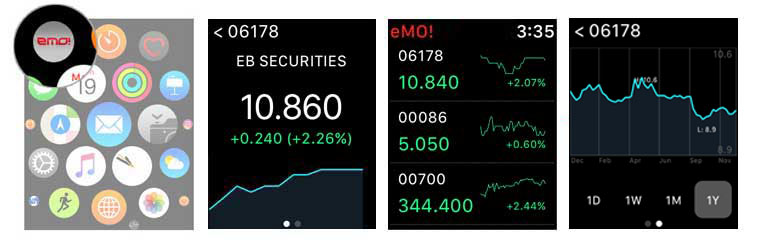
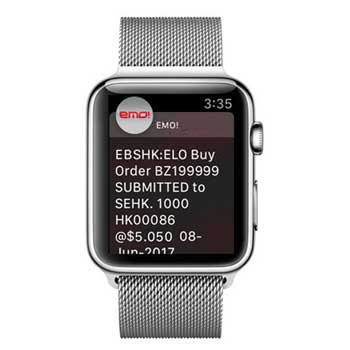
With just a quick glance at your wrist, you will get the push notifications for order status updates on Apple Watch. Keep a close eye on your order status to grasp investment opportunities in the dynamic market.
To use this service, please make sure that you have turned on notification on your iPhone and Apple Watch. Notifications will only be sent to your Apple Watch if your iPhone is locked or asleep; if your Apple Watch is locked with your passcode and your iPhone is locked or asleep, you will not be able to receive notifications.
System Requirements:
Download eMO! with improved features now
Notes:
Power Up Your Wealth! Service to make you smile!
Please click here for more details.
*Terms & Conditions apply


 Activate your online account
 Cyber Security Awareness